Reshape
your mouse.
Make the wheel follow your fingers like a trackpad, and unlock what every button on your mouse was meant to do.
Latest v4.2.1 · Supports macOS 10.13 or later
scroll ↓
Feel
01Feel
Stop waiting. Just scroll it.
A regular mouse wheel can't sample as finely as a macOS trackpad, so the page can only jump in fixed steps. Mos reshapes that intent with a carefully tuned algorithm grounded in real physical inertia — turning it into smooth, precise motion that flows with your fingers.
Without Mosraw
01
02
03
04
05
06
07
08
09
10
11
12
13
14
15
16
17
18
19
20
21
22
23
24
25
26
27
28
29
30
31
32
33
34
35
36
37
38
39
40
scroll inside ↕
With Mossmooth
01
02
03
04
05
06
07
08
09
10
11
12
13
14
15
16
17
18
19
20
21
22
23
24
25
26
27
28
29
30
31
32
33
34
35
36
37
38
39
40
scroll inside ↕
parameterstransition 0.151
Step10.00
Speed×1.00
Duration3.75
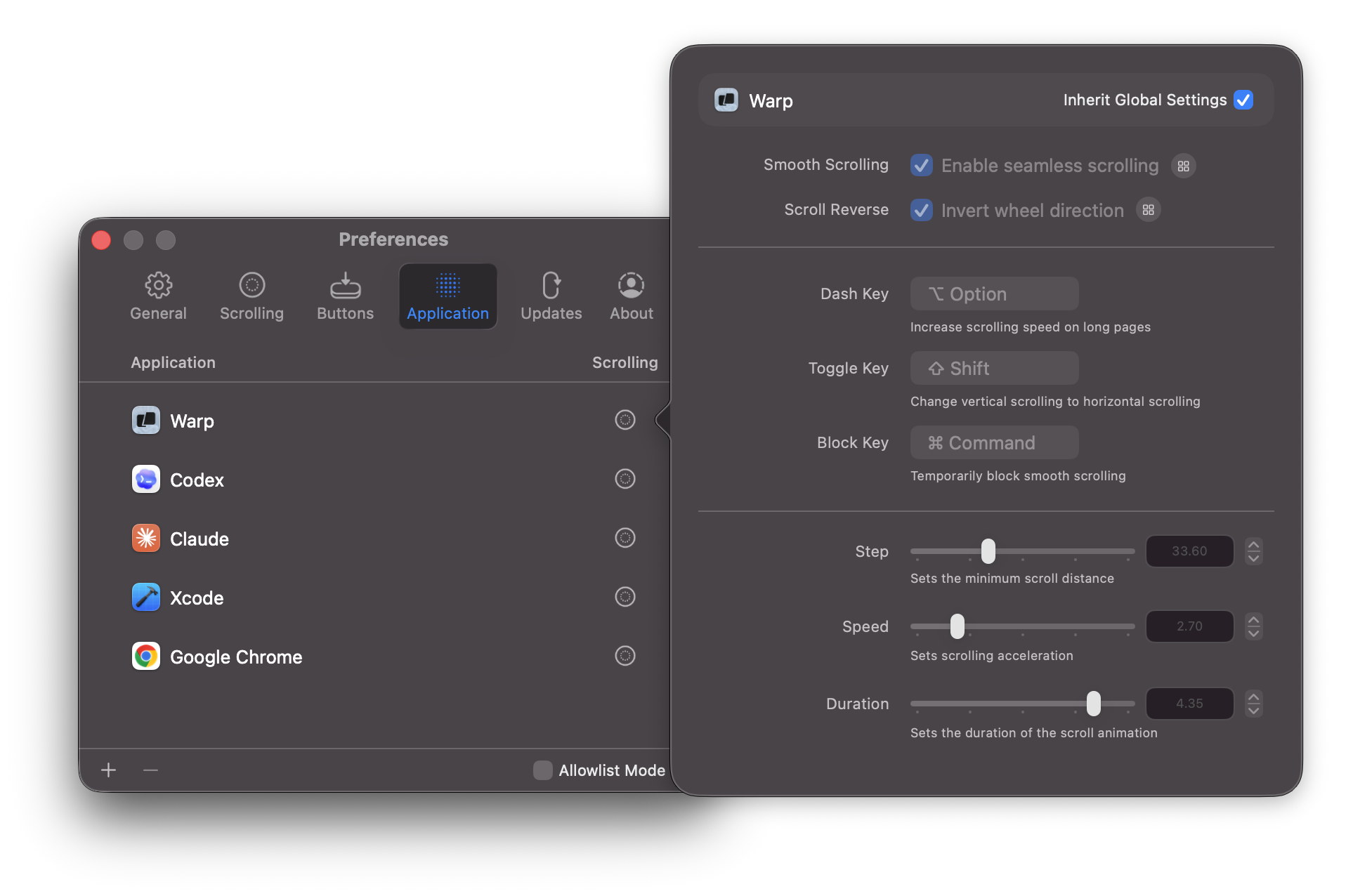
02Profiles
Different apps, different feel.
Every app gets its own scroll curve and behavior. Precise or smooth — you decide.
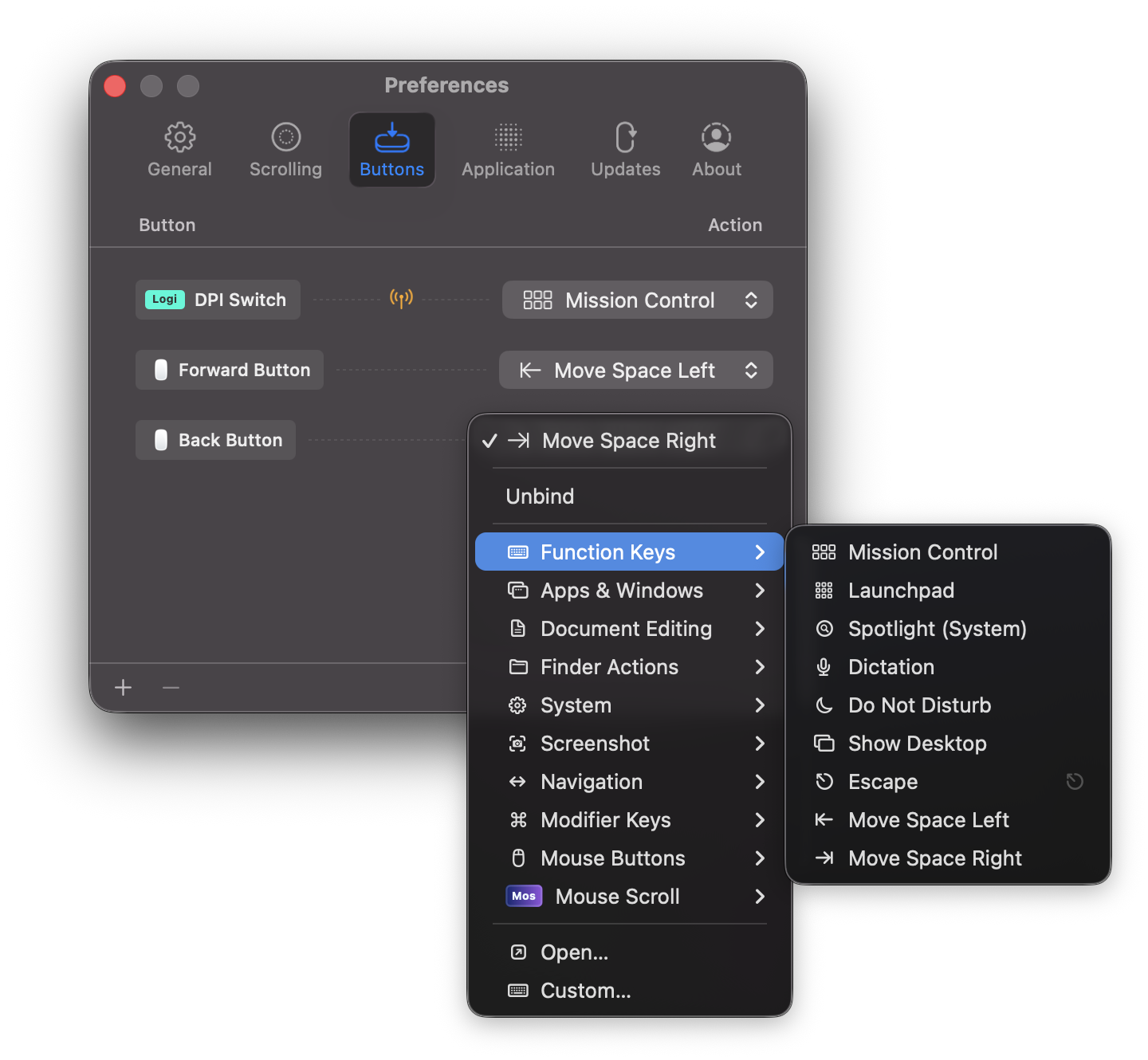
03Buttons
Bind, record, run.
Bind any mouse button to a quick action and shape your workflow exactly how you like.
- Button 4
- Mission Control
- Button 5
- Next Space
- Wheel Click
- App Switcher
Logitech key mapping